Trying Google Camera on Non-Google Pixel Android Phones
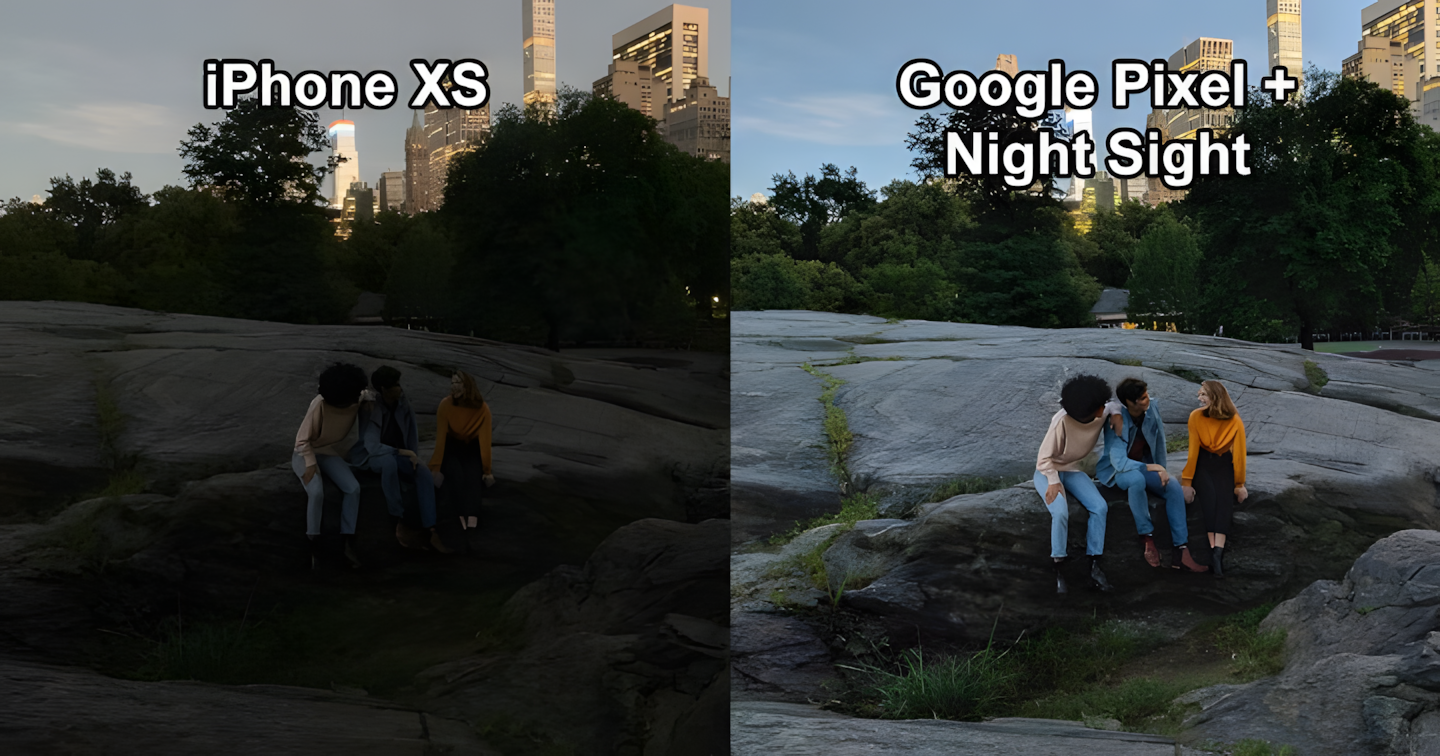
For Android phone enthusiasts, the name Google Pixel is certainly familiar. This Google-made phone is famous for having amazing photo results. Even so, its camera specifications are actually quite ordinary. From Pixel 1 to Pixel 3, there is only one camera, and even that has a resolution of only 12 megapixels. So how can it produce such great photos?
The key is in the software. Google, as a software company, believes that good images can be obtained from processing. This image processing power lies in the Google Camera app. This camera app was developed by Google itself. Unfortunately, this application can officially only be used on Pixel phones.
However, don’t worry—many developers out there have successfully created ports or modifications of this app so it can be used on non-Pixel phones. But before we get there, let’s look at some of the advantages of Google Camera compared to most built-in phone camera apps.
Attention: As this article is being updated (May 2021), Apple starting from iPhone 11 has introduced a similar feature called Night Mode. Additionally, almost all Android phone manufacturers have embedded similar features in their latest phones. Thus, the results obtained are not much different.
HDR+ Feature
This feature delivers super clear images while evening out the brightness levels. This feature has actually been in the Google Camera app since before Pixel phones were made. However, it had to be turned on manually because phone processor power at that time was not as strong as it is now.
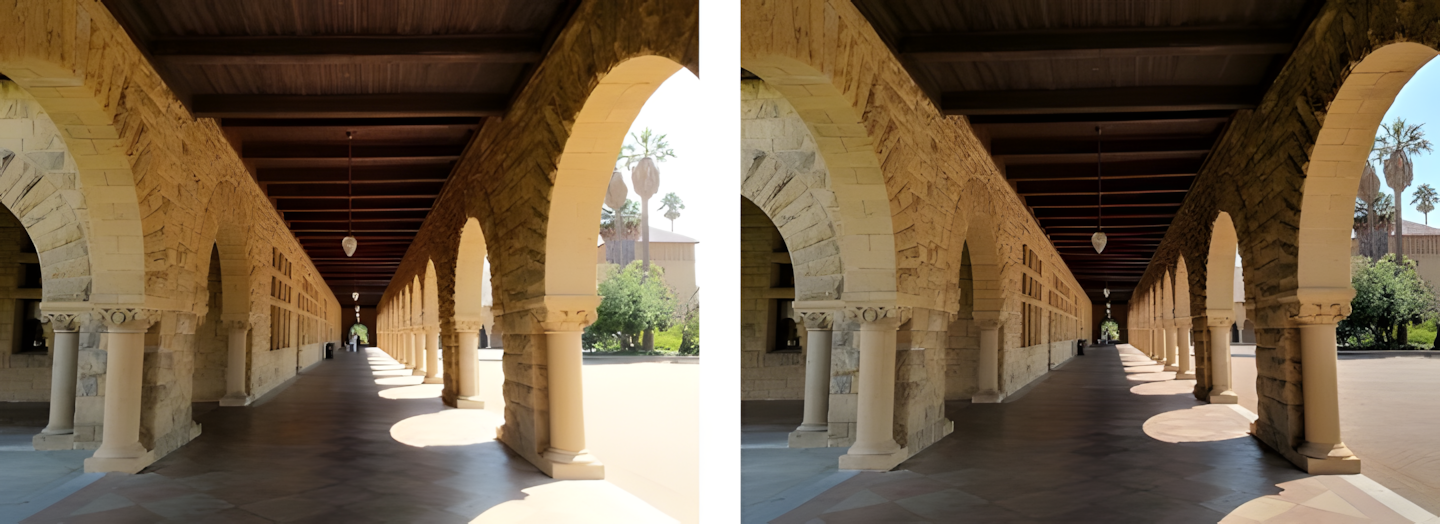
Generally, HDR is obtained by combining several photos at once. But in the Google Camera app, taking photos with HDR+ feels just like taking a regular photo.
This is where the cleverness lies. The app continuously saves photos even before you press the shutter button. That way, when the shutter button is pressed, the app combines several of the latest photos to create a photo with just the right lighting.
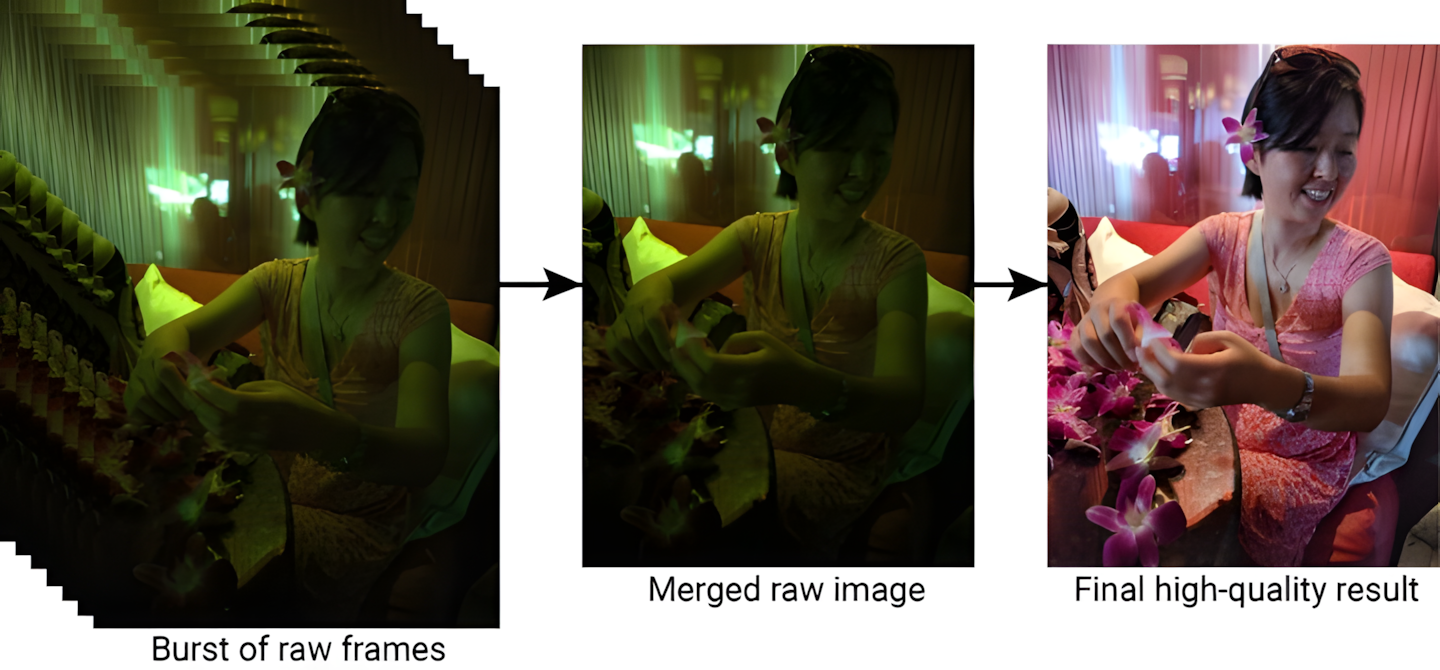
Because current phone processing power is adequate, HDR+ is automatically applied to every photo you take using the Google Camera app.
Portrait Mode Feature
Smartphones in 2019 wouldn’t be complete without this feature. Portrait mode allows taking pictures with clear separation between the subject and the background with the help of blur or bokeh.
Technically, this feature requires a phone with at least two cameras: one to take the picture and another to map the depth of field. Google Pixel 1 through Pixel 3 only have one camera. How can Portrait Mode be done?
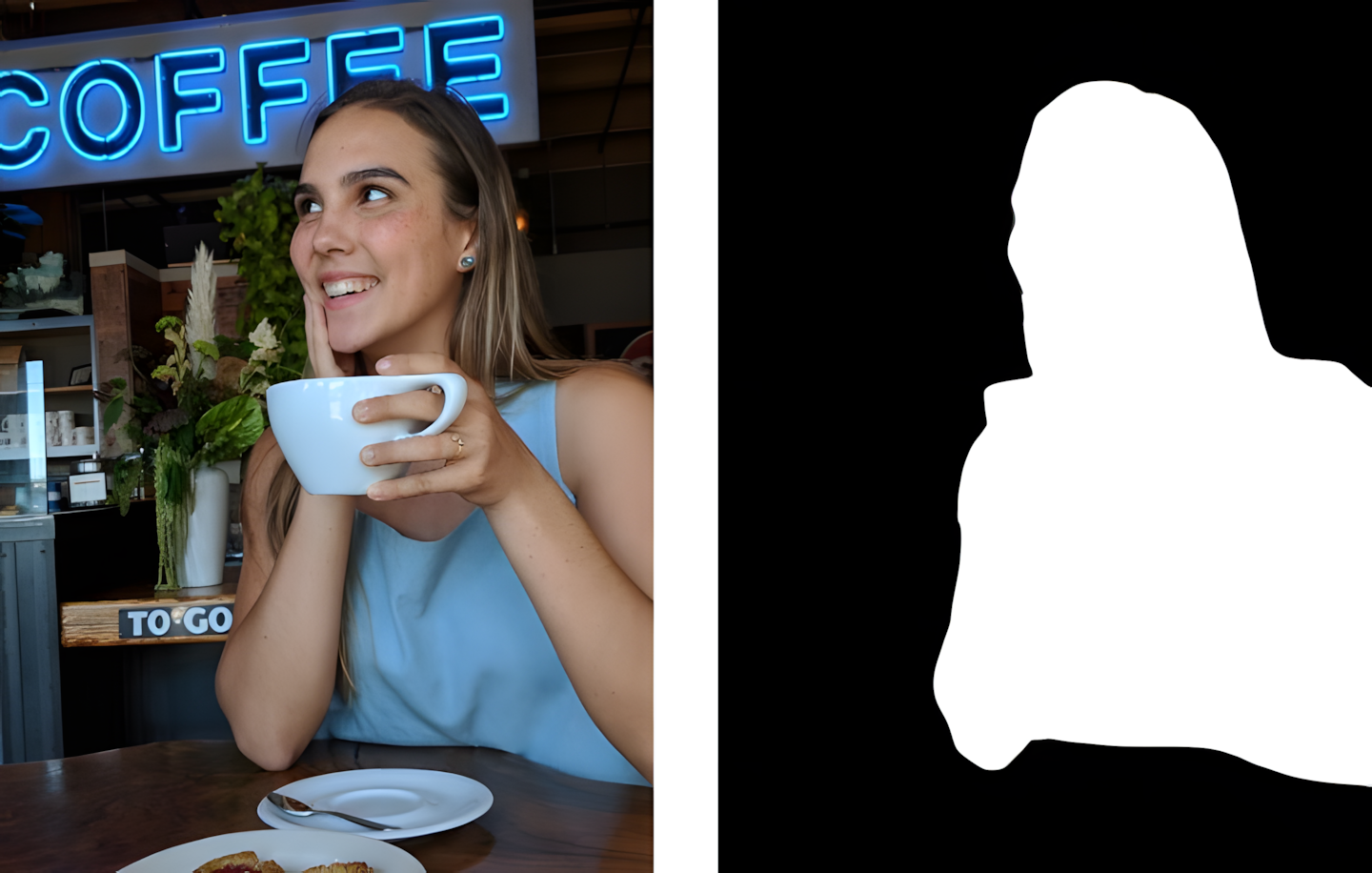
Google equips the Google Camera app with artificial intelligence (AI) that can distinguish the subject from its background. Of course, the results can vary and are not as accurate as using two cameras. But when I tried it, portrait mode worked very well—considering my Xiaomi phone only has one camera!
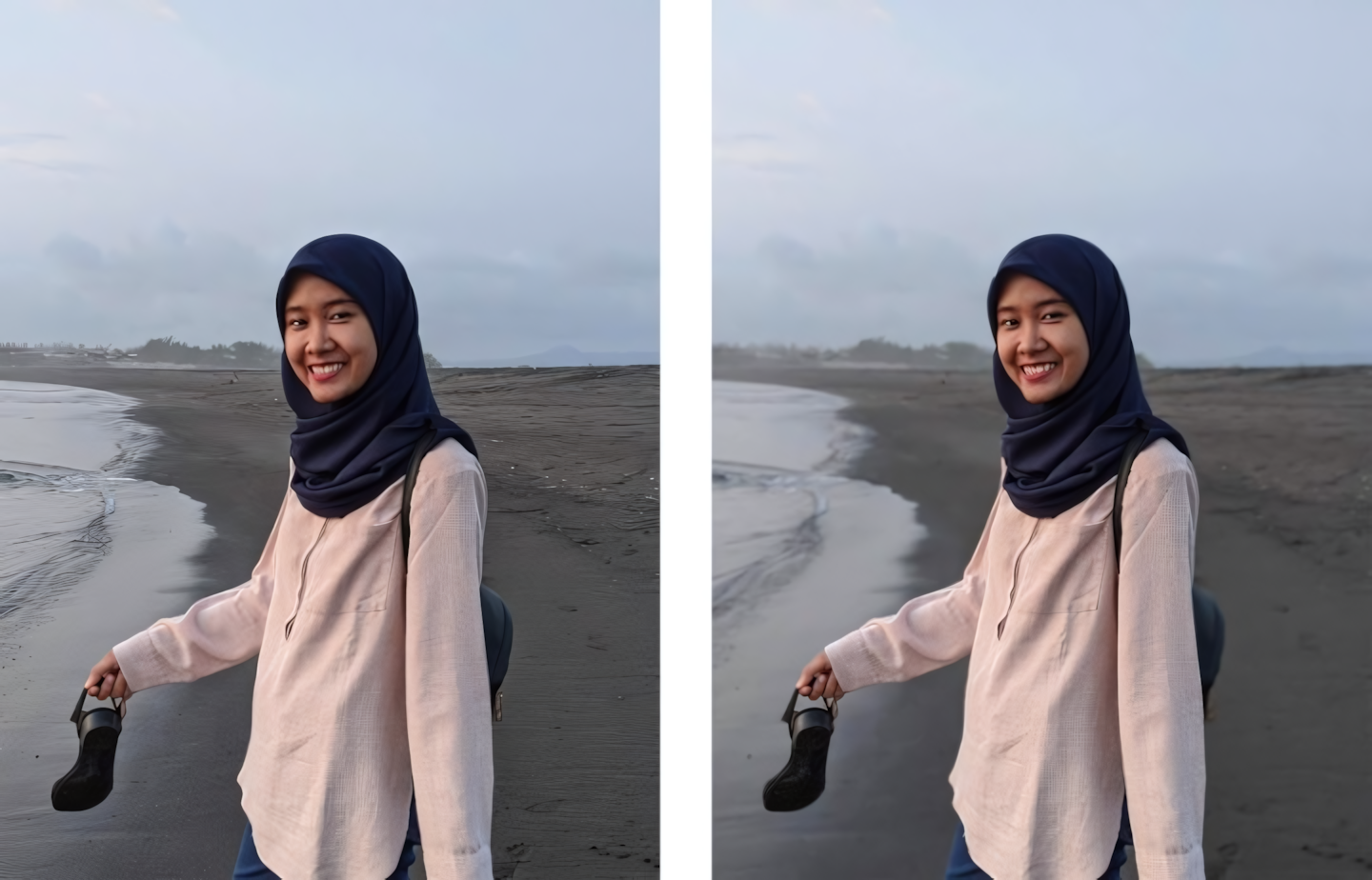
The GCam app will save two photos: one without the blur effect and another with blur or bokeh. If you use Google Photos as your gallery app, you can even readjust the blur intensity you want.
Night Sight Feature
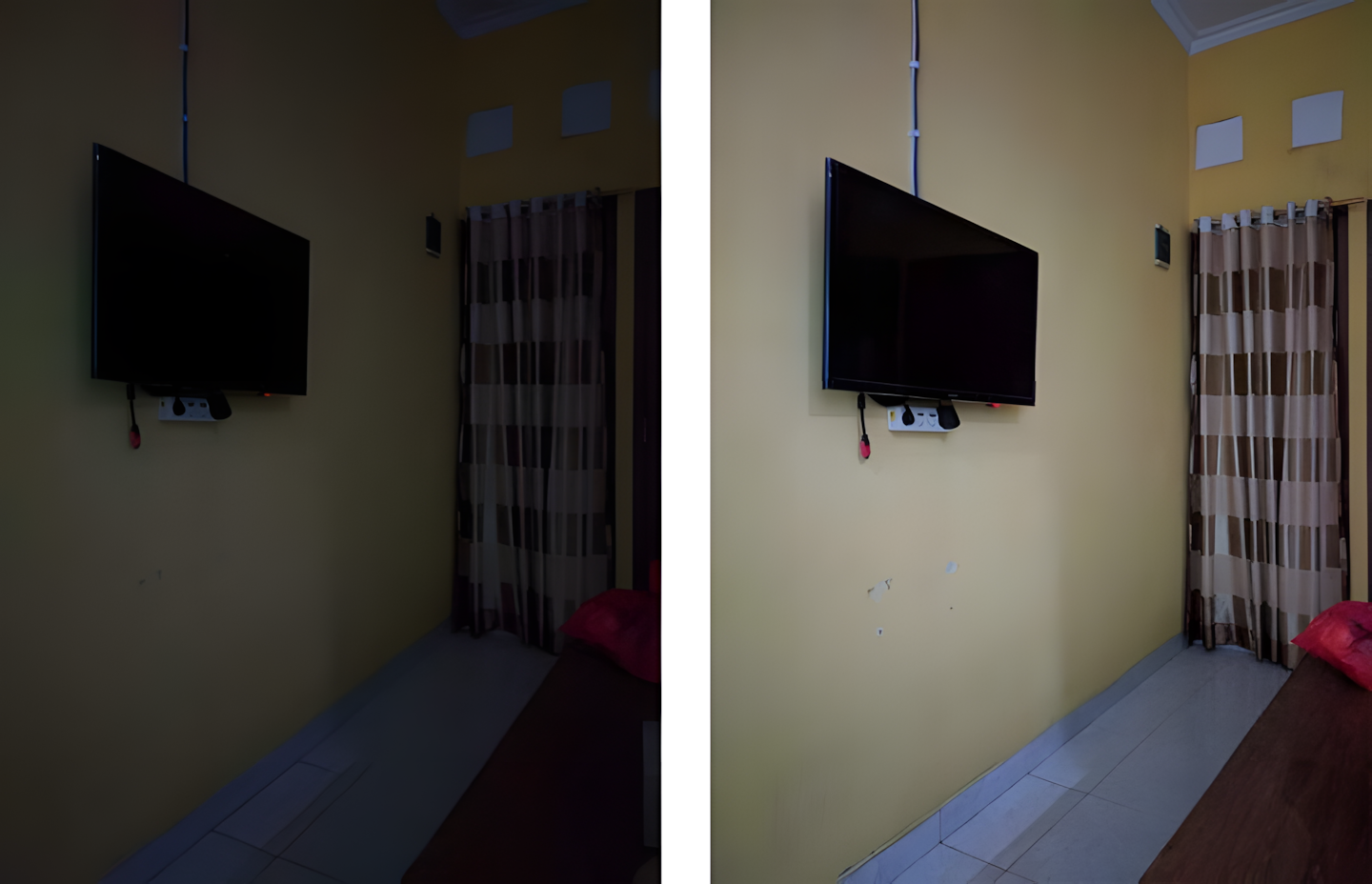
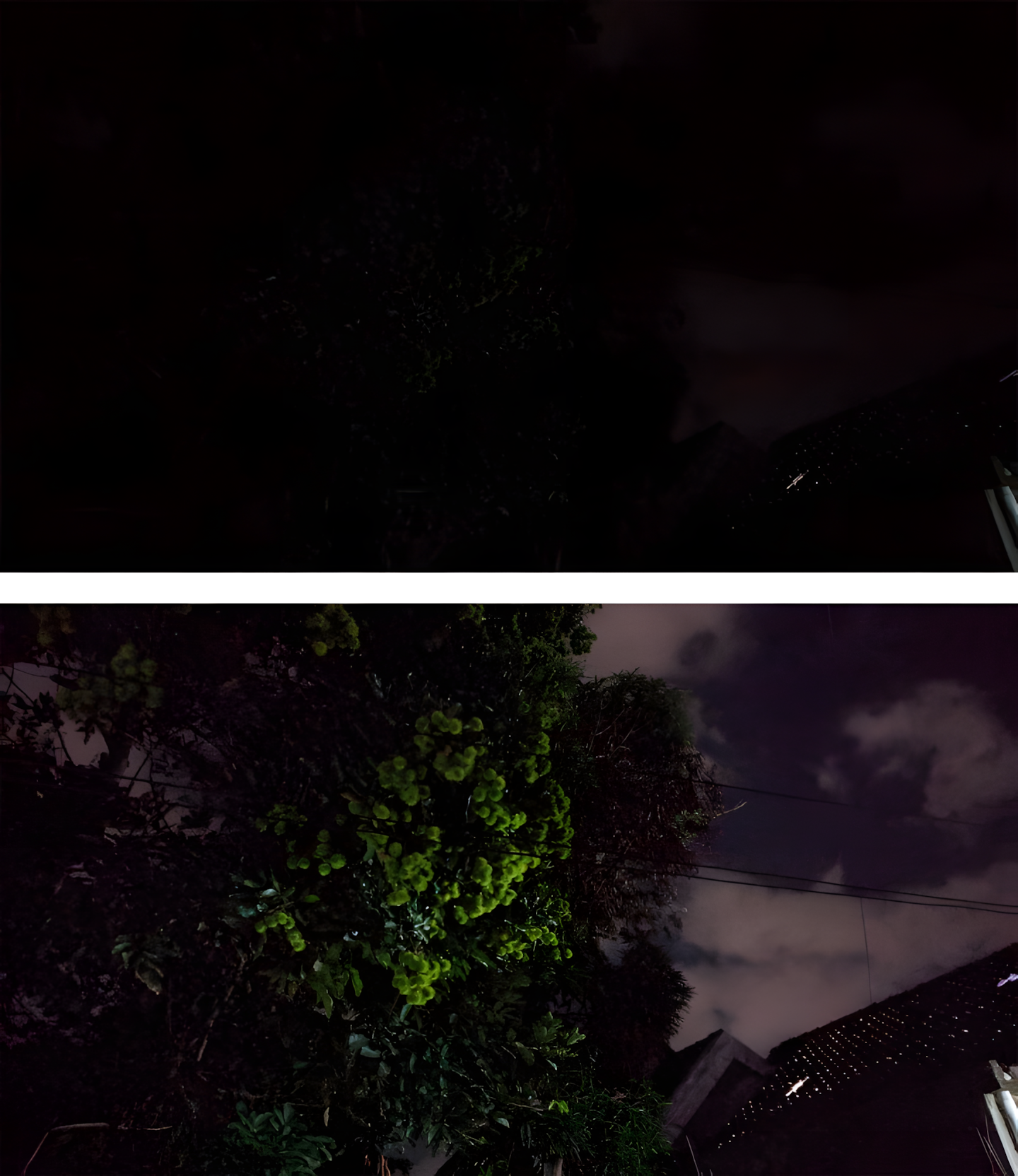
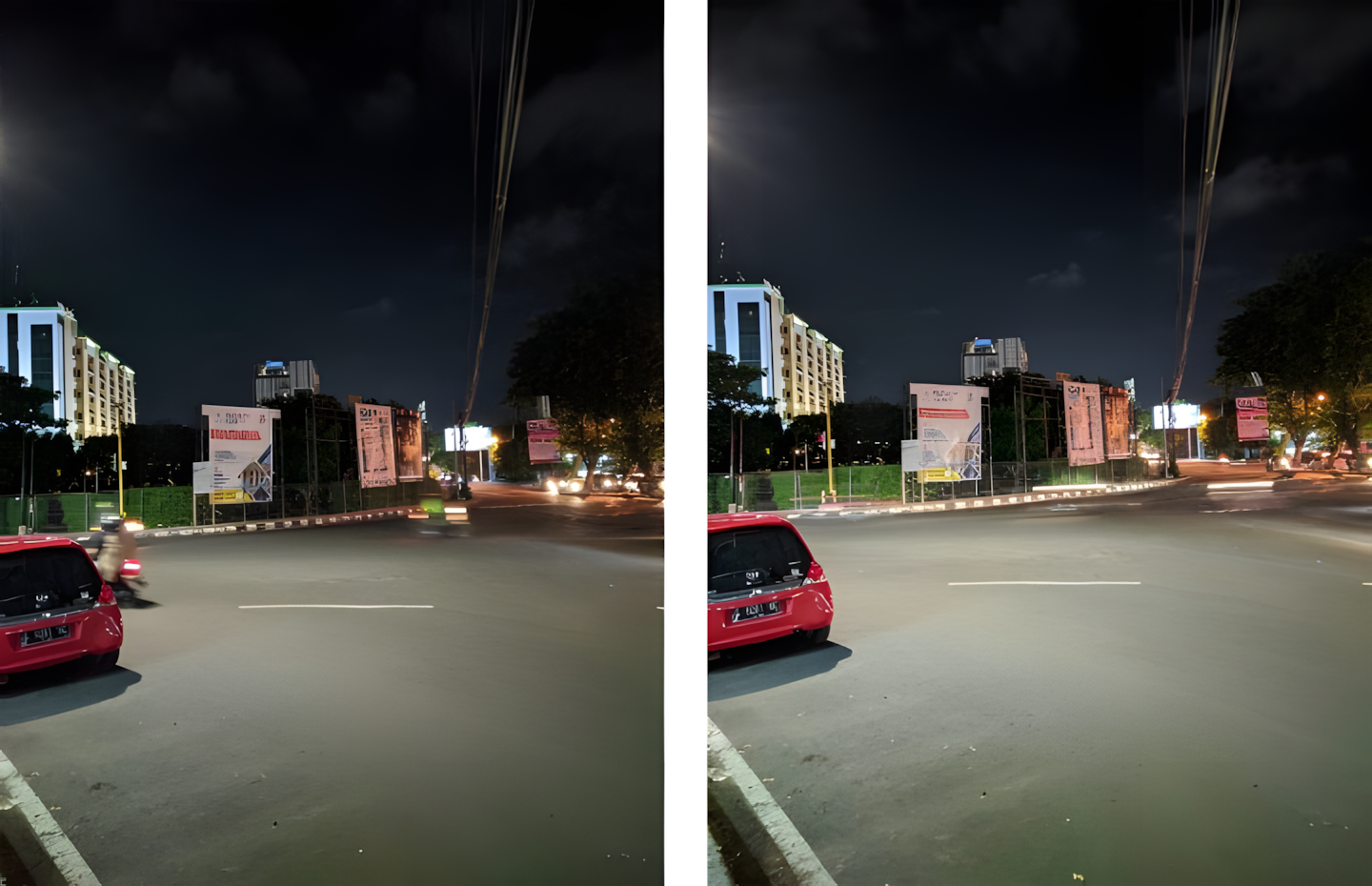
The most relied-upon feature of Google Camera is Night Sight. This mode allows bright photos to be taken in low-light situations. Before the Google Pixel, Huawei was indeed the first to bring this feature to Android phones. However, in my opinion, the results obtained from the Pixel are better.
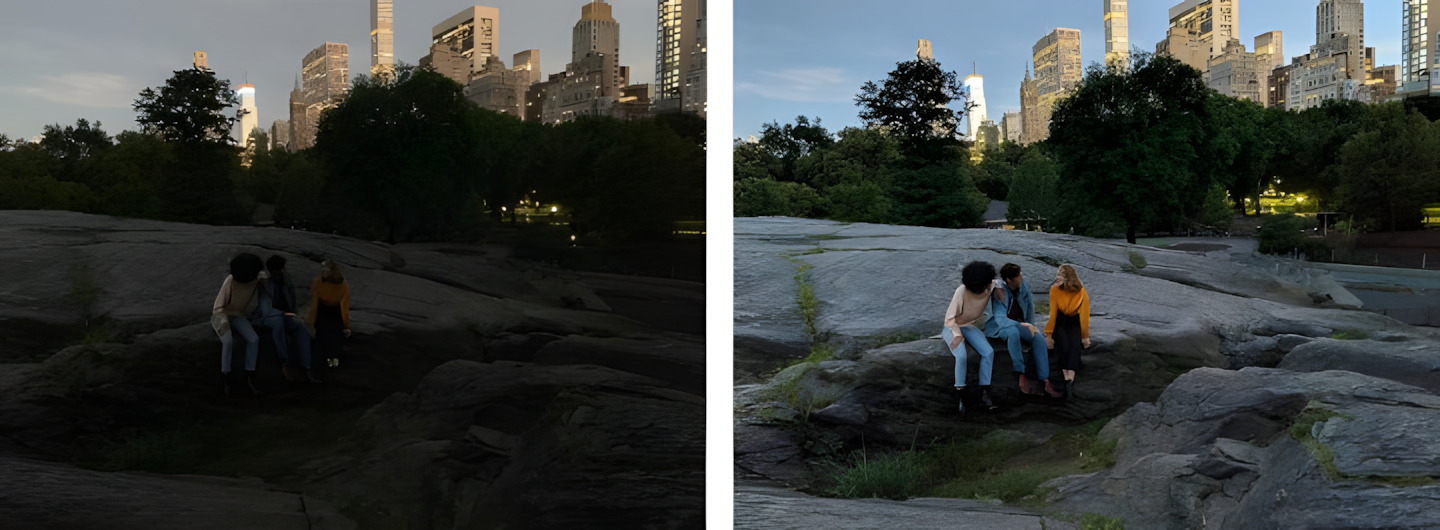
The way it works is similar to HDR+: combining several photos to produce a clear photo. The difference is that this process takes about 2 to 5 seconds, depending on lighting conditions. During the process, there should be no movement from either the photographer or the subject. Therefore, this mode is more suitable for landscapes or stationary objects.
Here are some examples of Night Sight results taken from the GCam app on my Xiaomi Redmi 5 Plus.