Get Windows 11 Fluent Emoji for Windows 10 and Windows 11
Artikel ini juga tersedia dalam Bahasa Indonesia.
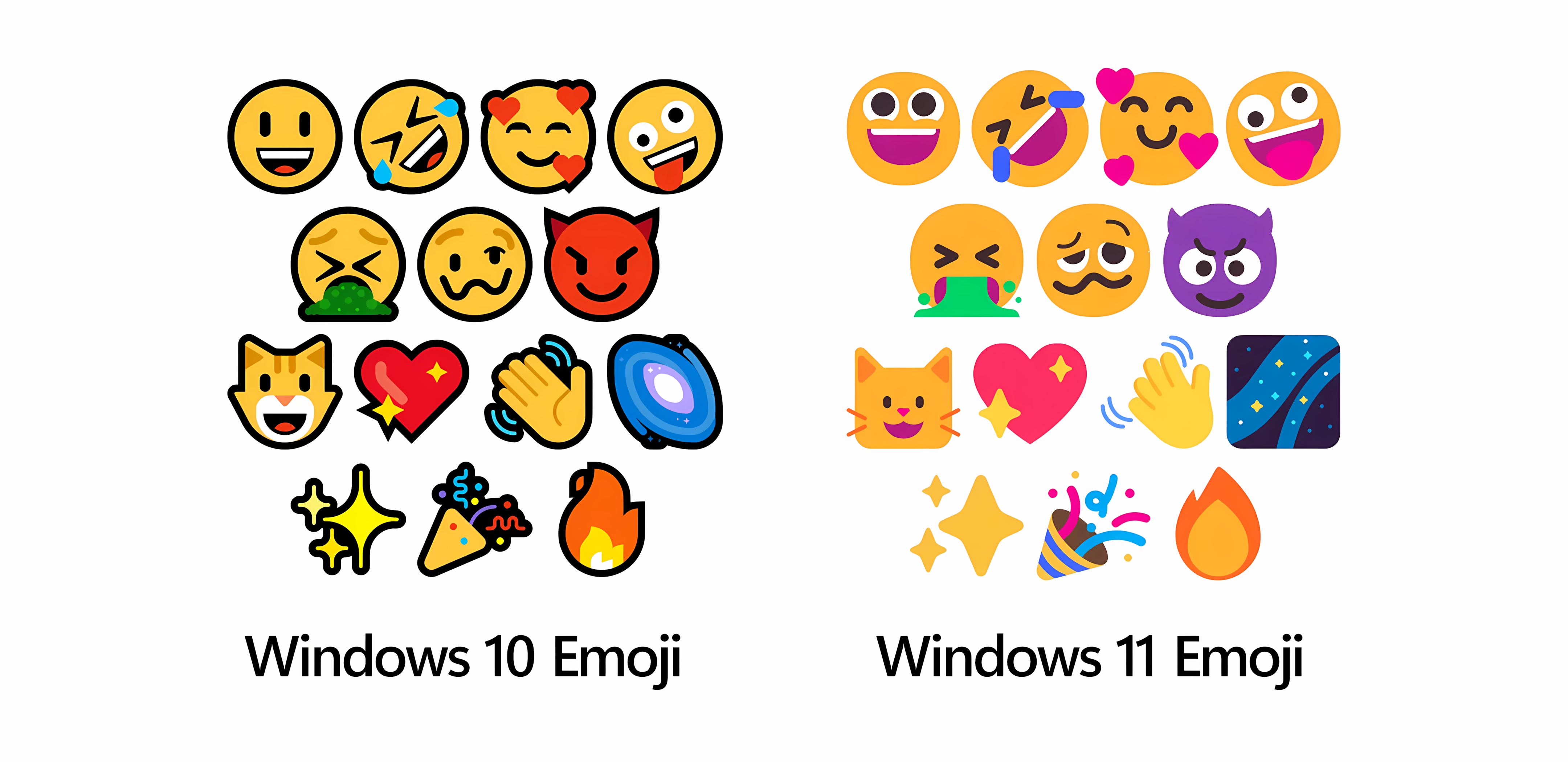
There are many new design aspects in Windows 11 compared to previous Windows versions. One of them is the emojis. Unfortunately, these new emojis were not included in the retail version of Windows 11 released on October 10, 2021. Fortunately, the new emojis from the Insider Preview version can be installed on the retail version of Windows 11, and even on Windows 10.
In Windows, emojis are stored in the Segoe UI Emoji font file with a .ttf extension. As such, font files from one version of Windows can be installed on another version of Windows. Below, I’ve provided the emoji font from Windows 11 Insider Preview 22478.1000.
- Download the emoji font in a
.zipfile through the following link. - Extract the downloaded
.zipfile. - Select all
.ttffiles, right-click, and select Install for all users. - If a confirmation dialog box appears to replace already installed fonts, click Yes.
- Restart your computer for the changes to take effect.