Turn an Old Router into a Managed Switch with OpenWRT
A managed switch is a networking device that is still uncommon in home network topologies. Nevertheless, this type of switch actually holds a wealth of features not found in unmanaged switches, one of which is VLAN configuration. This feature becomes very important if we want to save on UTP cables or the number of ports. With VLANs, a single cable or port can carry networks with multiple subnets simultaneously.
Recently, I migrated my router to Mikrotik RouterOS, which I installed on a mini PC using Proxmox. The mini PC I used has a standard motherboard, so it only has 1 LAN port. In general, a router requires 2 ports: one for WAN and the other for LAN. VLANs can be the solution.
Unfortunately, the cheapest managed switches on the market are still in the range of Rp300,000 (~$20 USD), a price that is still too high for me for a home switch device. Since I enjoy buying secondhand networking equipment, the idea struck me to “marry” an old router with OpenWRT to transform it into a switch.
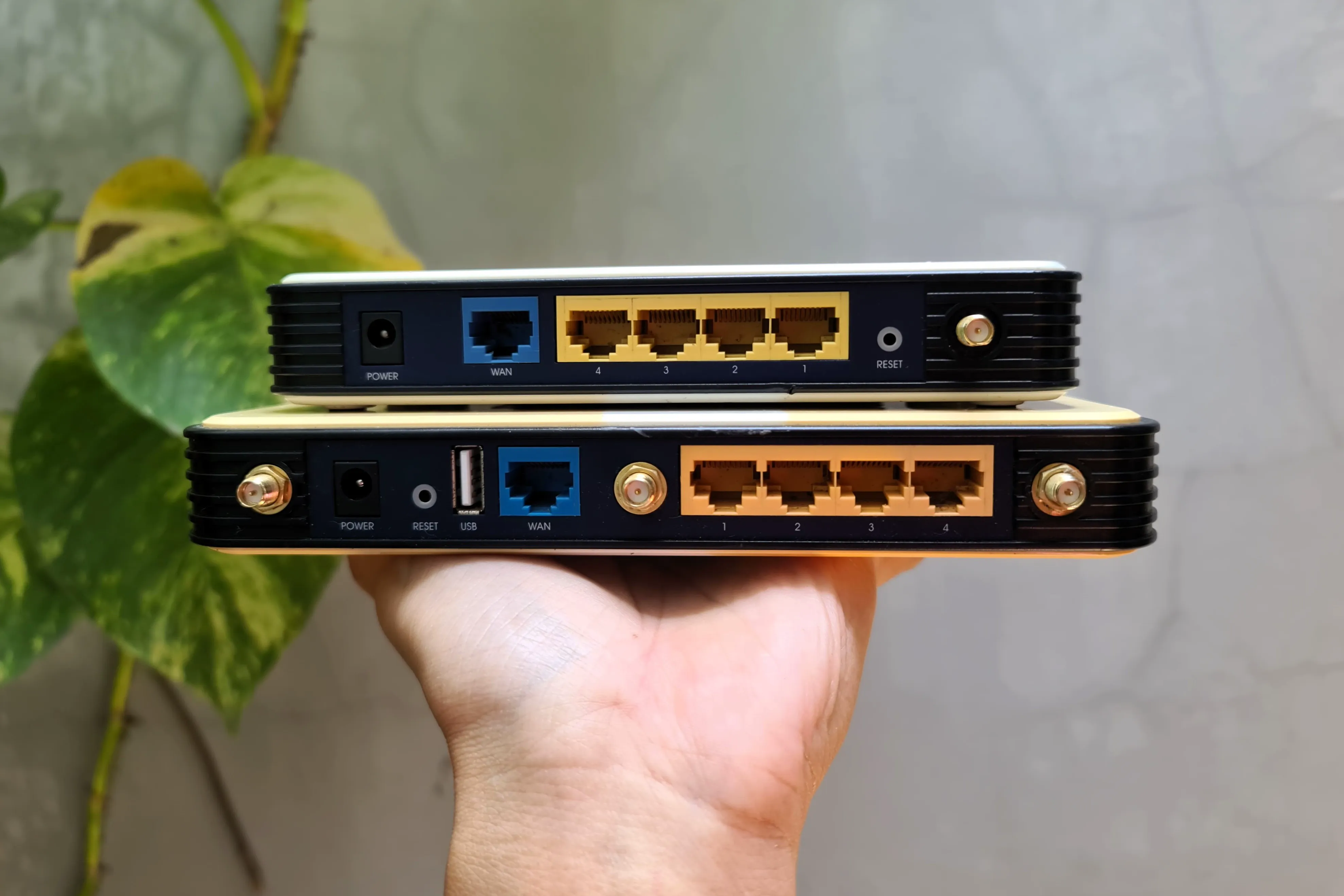
The devices I bought were the TP-Link TL-WR1043ND and TL-WR741ND. I got these devices for Rp65,000 and Rp45,000, respectively. The first device has gigabit ports, making it suitable for local network or LAN VLANs, while the other is capped at 10/100, making it more suitable for WAN VLANs, where ISP internet speeds are typically no more than 100Mbps.
I won’t write the OpenWRT installation procedure as there are already many on the internet. As for VLAN configuration, I might discuss it in a future post. However, the most important thing to remember when using OpenWRT on older router devices is the RAM and flash storage capacity. Devices with 4MB RAM and 32MB flash are no longer supported by the latest versions of OpenWRT, so the solution is to use older releases, such as 18.04 or 19.07. Although these are older versions, they do not diminish functionality at all.
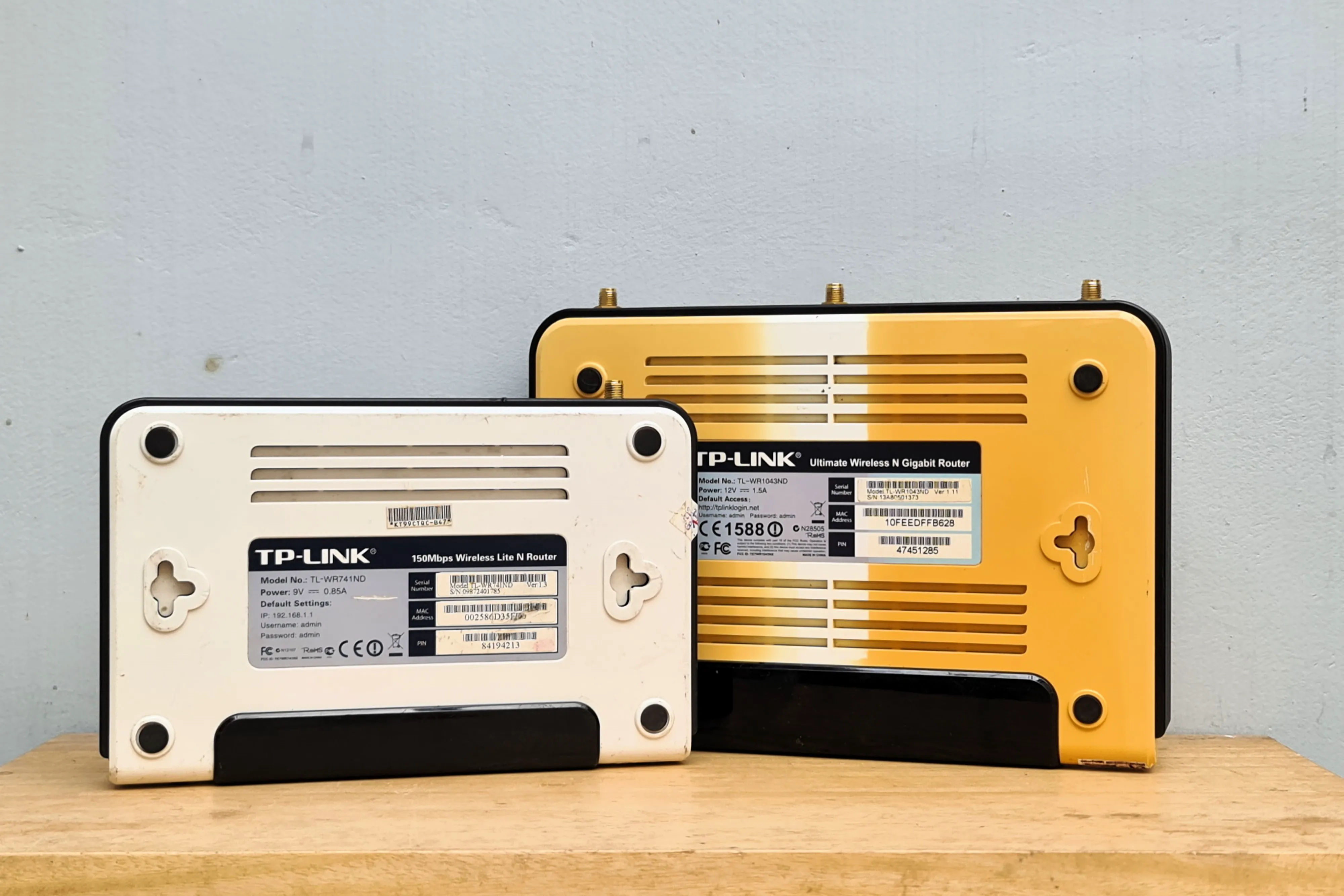
I always recommend doing research, research, and more research before buying. Because every router model can behave differently even if made by the same manufacturer. For example, the WAN port on the TP-Link TL-WR1043ND can be used for VLAN configuration (bringing the total usable ports to 5), whereas on the TP-Link TL-WR741ND, the WAN port cannot.
That’s all for this short post. I hope it can inspire friends to reuse electronic devices that are still worth using. Because if not, these devices will become electronic waste that can damage the environment.
Stay curious! ✨