Fixing Mikrotik Router Custom Integration Error in Home Assistant 2026.4.2
Recently, I updated my Home Assistant on my Unraid server (running on Docker) to version 2026.4.2. The update process went smoothly as usual, until I realized something was off.
The Mikrotik Router integration suddenly disconnected and couldn’t connect to my Mikrotik router at all.
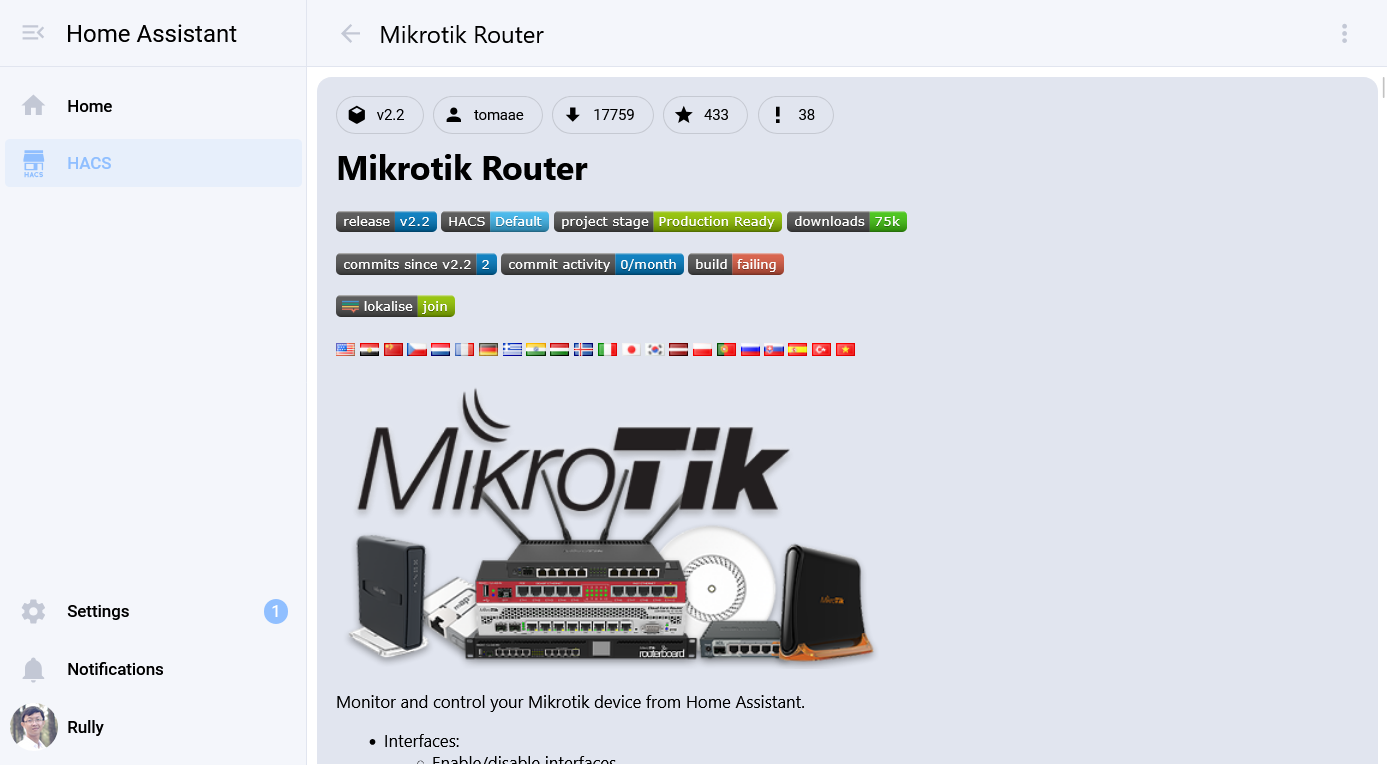
What Caused It?
To figure out the problem, I immediately checked the home-assistant.log file. There, I found a pretty clear error:
ERROR (SyncWorker_5) [custom_components.mikrotik_router.mikrotikapi] Mikrotik 10.20.30.40 error while connecting: connect() got an unexpected keyword argument 'login_methods'. Did you mean 'login_method'?
From the log, it’s obvious that there was a parameter change from login_methods to login_method in the underlying library being used. Unfortunately, the maintainer of this custom integration (tomaae/homeassistant-mikrotik_router) doesn’t seem to have released an update to fix this bug yet.
How could it not be frustrating? But luckily, we can fix this issue ourselves with a little manual file modification.
How to Fix It
We need to edit the mikrotikapi.py file located inside the custom integration installation folder.
Step 1: Edit the File
Open the /custom_components/mikrotik_router/mikrotikapi.py file using your favorite text editor.
Step 2: Add the Import
At the top of the file, add this new import declaration:
from librouteros.login import plain, token
Step 3: Replace the Connect Function
Find the connect(self) -> bool: function inside the file, then overwrite the entire function with the code below:
    # ---------------------------
    #   connect
    # ---------------------------
    def connect(self) -> bool:
        """Connect to Mikrotik device."""
        self.error = ""
        self._connected = False
        self._connection_epoch = time()

        login_method = self._login_method
        if login_method == "plain":
            login_method = plain
        elif login_method == "token":
            login_method = token

        kwargs = {
            "encoding": self._encoding,
            "login_method": login_method,
            "port": self._port,
        }

        self.lock.acquire()
        try:
            if self._use_ssl:
                ssl_context = ssl.create_default_context()
                ssl_context.check_hostname = False

                if self._ssl_verify:
                    ssl_context.verify_mode = ssl.CERT_REQUIRED
                    ssl_context.verify_flags &= ~ssl.VERIFY_X509_STRICT
                    from functools import partial
                    ssl_wrapper = partial(
                        ssl_context.wrap_socket,
                        server_hostname=self._host,
                    )
                else:
                    ssl_context.verify_mode = ssl.CERT_NONE
                    ssl_context.set_ciphers("ADH:@SECLEVEL=0")
                    ssl_wrapper = ssl_context.wrap_socket

                kwargs["ssl_wrapper"] = ssl_wrapper
            self._connection = librouteros.connect(
                self._host, self._username, self._password, **kwargs
            )
        except Exception as e:
            if not self.connection_error_reported:
                _LOGGER.error("Mikrotik %s error while connecting: %s", self._host, e)
                self.connection_error_reported = True

            self.error_to_strings(f"{e}")
            self._connection = None
            self.lock.release()
            return False
        else:
            if self.connection_error_reported:
                _LOGGER.warning("Mikrotik Reconnected to %s", self._host)
                self.connection_error_reported = False
            else:
                _LOGGER.debug("Mikrotik Connected to %s", self._host)

            self._connected = True
            self._reconnected = True
            self.lock.release()

        return self._connected
Save the file, then restart Home Assistant.
Once the restart process is complete, the Mikrotik Router integration should be connected normally again without any errors in the log. At least we can use this temporary fix until the official maintainer releases an update.
Stay curious! ✨